

Micah Shippee, PhD – Social Studies Teacher
Ray Finney – Technology Teacher
Kate Walsh – School Librarian
The game design project described here was an interdisciplinary lesson between our eighth-grade social studies, technology, and library classes. With insight and support from Jon Spike, professor of Game Design and Learning at the University of Wisconsin – Whitewater.
Project Introduction
World War 1 started in 1914 and began an era of warfare unlike any other in history. As it was fought during a time of great change, the new technologies and amount of casualties created were staggering in comparison to wars fought even just a few years prior. These weapons not only changed the fighting they also changed the preparation needed by opposing sides. After all, most nations sent off soldiers to fight on horseback and with slow loading rifles. By War’s end the following innovations had been introduced: tanks, planes, machine guns, flamethrowers, grenades, gas weapons, as well as updates to submarines. During this project, students will work with a design team to research and develop a game that conceptualizes the impact of these technologies on World War 1.
We started our project with a brief discussion about gaming using two World War One games. Students played these content-specific games and we discussed historical accuracy and playability.

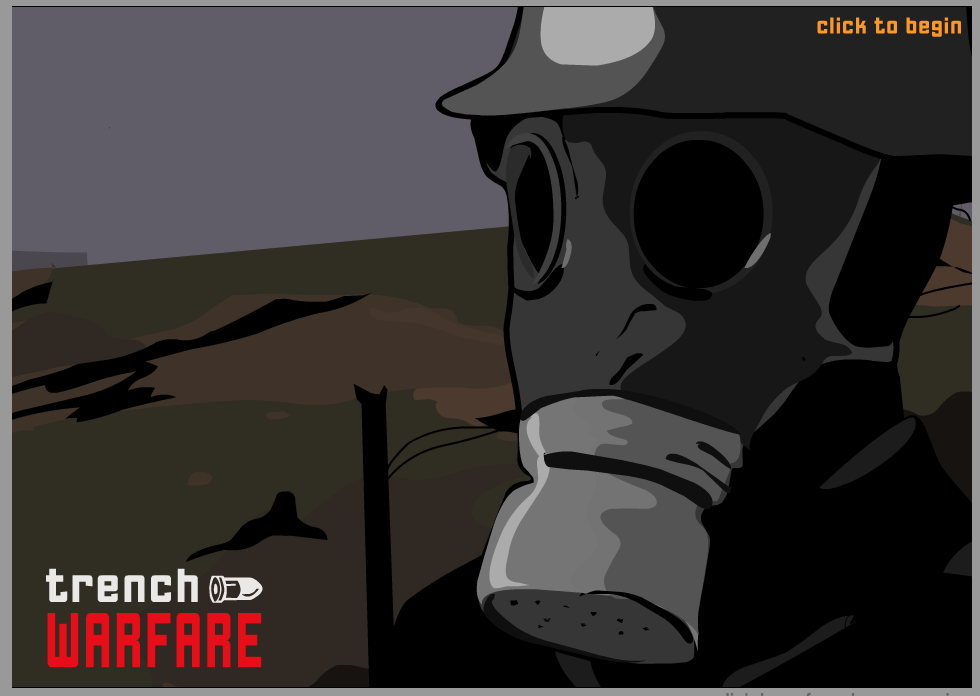
- Trench Warfare Game: Experience the danger of a First World War battle. Can you win the day, or will you be responsible for thousands of deaths? Select your tactics and weaponry for four unique missions. http://www.bbc.co.uk/schools/worldwarone/hq/trenchwarfare.shtml

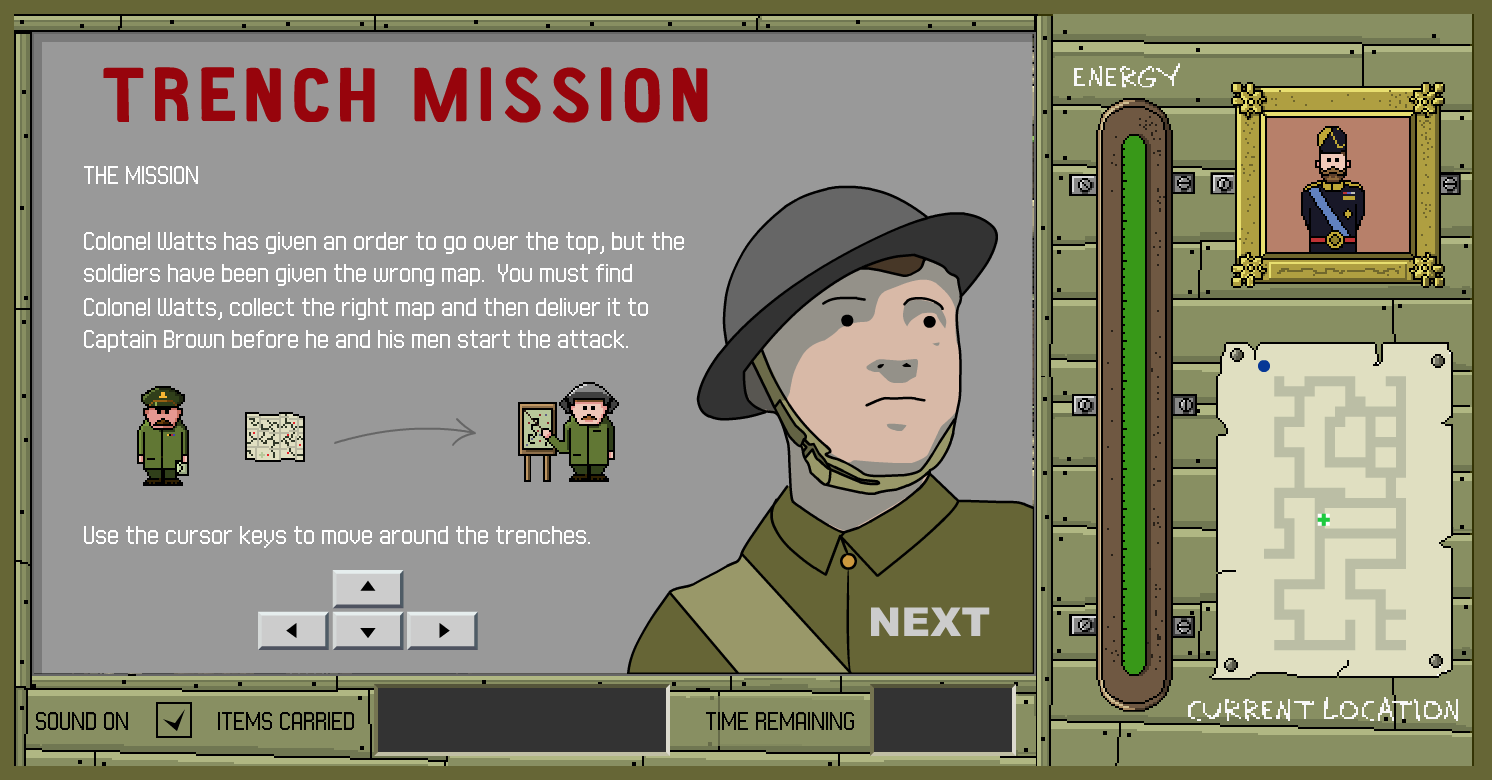
- Trench Mission: Colonel Watts has given an order to go over the top, but the soldiers have been given the wrong map. You must find Colonel Watts, collect the right map and then deliver it to Captain Brown before he and his men start the attack. http://www.nationalarchives.gov.uk/education/greatwar/g3/game/default.htm
Connecting with an Expert in Game Design
“A game is a series of interesting choices.” – Sid Meier
Before diving into our game development we hosted a Class Video Chat (1.4.19) with Jonathan Spike (@Mr_JSpike), professor of Game Design and Learning at the University of Wisconsin – Whitewater. Jon is a Google Certified Innovator specializing in building games for education: www.gamestormedu.com. Jon was generous enough to meet with all five social studies classes throughout the day.

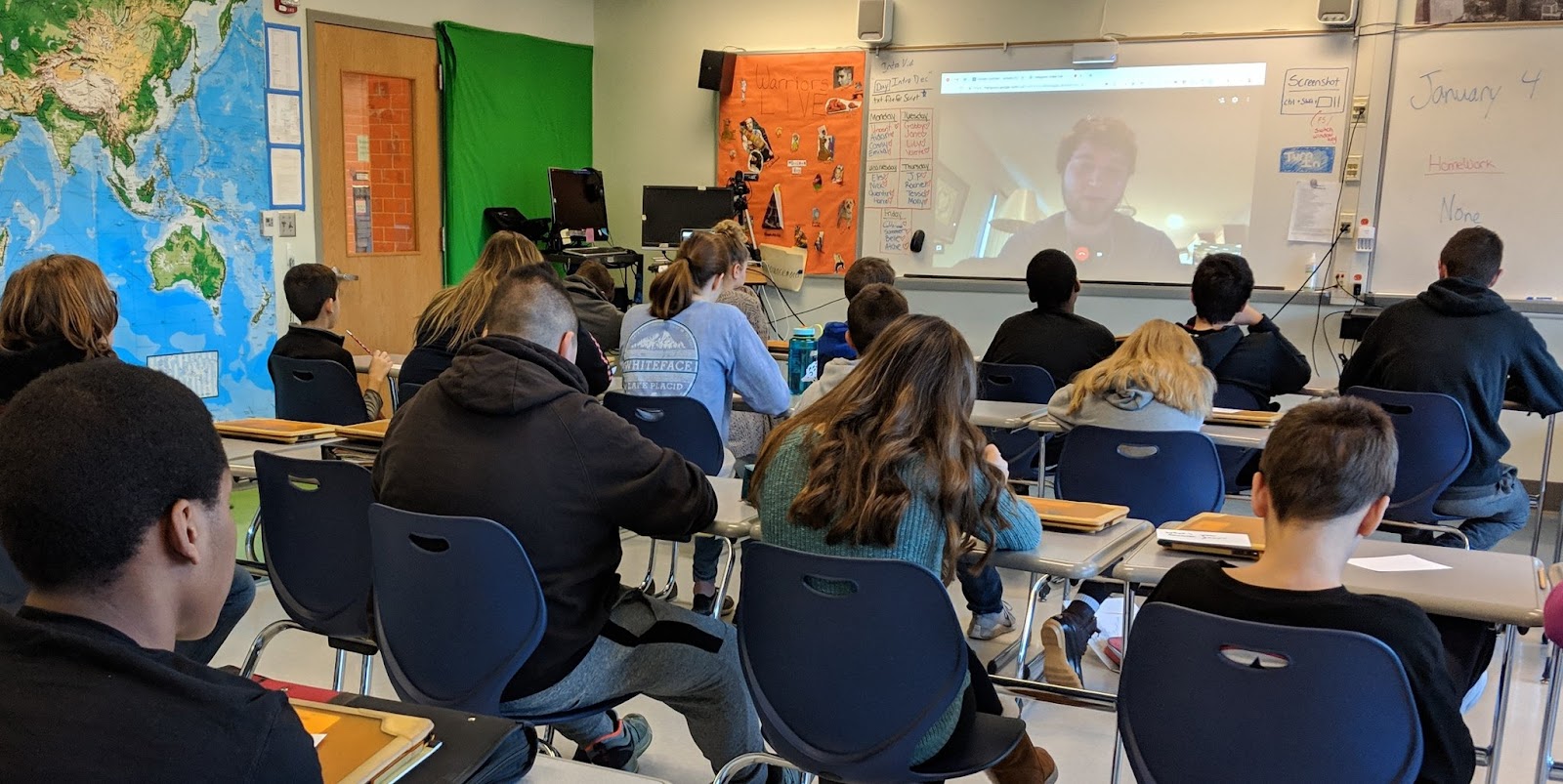
Jon spoke with students about the importance of choices and prototyping in the game design process. Students were encouraged to make their game unique with a relevant challenge for their character(s). Jon also spoke about the importance of empathy in gameplay developing the concept of making choices for a character in a specific game context. The hardest part of game design, according to Jon, is connecting the goal of the game with the actual gameplay experience.
WW1 Game Project Details
Project Criteria
Changes in Combat Technology Incorporate 2 items/topics from each of the 6 categories in Changes in Combat Technology list.
Game Maps Build a map based on World War 1 battlefields
Game Builder Guide Choose one game builder from the Game Builder Guide.
Grades:
Game design is about teamwork, students served as a member of a team and each of student needed to play to their strengths for the creation of the best game possible. Students received a homework grade for individual research completion and an individual homework grade for job completion (below).

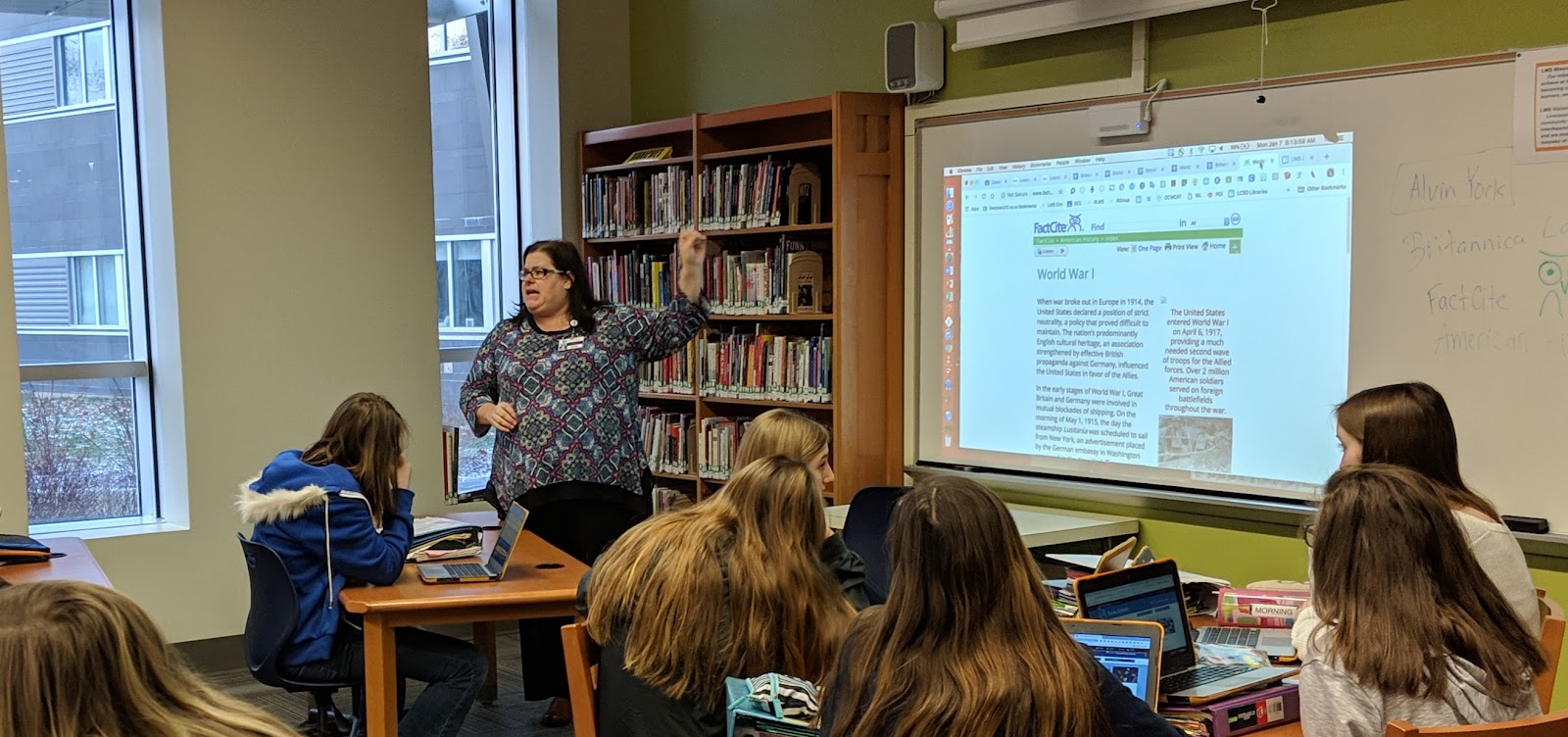
- Research: Each student was responsible for researching two items from the categories below. Students were directed to include the researched items in their final game. As a team they made sure that no two were researching the same items, this will allow the most widespread research to be conducted. Each student will turn in a Google Slide show with 2 slides, one slide for each topic researched. Each slide had:
- 2 sources cited (MLA)
- A paragraph describing what was researched and its impact on WW1
- A picture of the item researched
- Jobs: Here are the game design jobs students needed to choose from*:
- Musician
- Develop a Game Soundtrack for a video showing the game intro and gameplay. Students used GarageBand skills learned in Technology Class.
- Storyteller
- Create an Intro Video Script including text and images to be displayed in a 30-second intro. The Storyteller wrote a document that included an introduction to the game and the rules.
- Artists
- Design Game Graphics for the game includes images, map/game board, and a team logo.
- Cinematographer
- Capture/Record images and videos to be used in the iMovie. Also, create a Google Drive Folder for the whole group to share resources for video production.
- Video Editor
- Produce a Game Movie using iMovie, that includes a 30-45 second introduction to the game (trailer) and 30-45 seconds of gameplay. This grade will be assigned by Mr. Finney and apply to Technology class and Social Studies class. Here was Mr. Finney’s Sample Video: https://www.youtube.com/watch?v=3R53IUNlbK8&feature=youtu.be
- Musician
Changes in Combat Technology
| GUNS Machine Guns New Rifles New Bullets (Tracer)Pistols Artillery | PLANES & AERIAL TECH Biplanes Dogfighting Interrupter Gear and Mounted Guns Zeppelins Reconnaissance Drones Air Traffic Control | SUBMARINES & WATER TECH U-Boats/Submarines Depth Charges Convoys Aircraft Carriers Torpedoes Hydrophones |
| TRENCH WARFARE Trench Construction “No Man’s Land” Flamethrowers Hand Grenades Trench Foot Disease | POISONOUS GAS Chlorine Gas Mustard Gas Phosgene Tear Gas Gas Masks | TANKS Little Willie British Tanks – Mark French Tanks – Renault German Tanks Anti-Tank Weapons |
Game Building References
Game Maps
The game students design should be based on key battles from World War 1. Students must identify the battles right in the game. Further, game maps should demonstrate damage already done to European lands, for example, students were asked to think about bombs being dropped and explosions on a flat landscape and how that would change the earth to literally look different, the map that of gameplay should illustrate this.
Game Builder Guides
Designing Board & Card Games
Game Platforms
Student Design Teams were directed to select one game platform to develop. The list below provided potential platforms for students to choose from.
Draw Your Game
Use this to create a Side Scroller, a type of video game where a side-view camera angle is used for action viewing.
Scratch
Slides-App If-Then Adventure Stories
Use this to create a Choose Your Own Adventure story. An example of this game type for WW1 is https://www.warmuseum.ca/overthetop/
- https://applieddigitalskills.withgoogle.com/c/middle-and-high-school/en/if-then-adventure-stories/overview.html
- https://micahshippee.com/2018/10/12/how-to-stop-google-slides-from-auto-advancing-when-you-click-on-them/
Metaverse
Use this to create a game in Augmented Reality
Cospaces
Use this to create a game in Virtual Reality
Board Games
Board Game resources for more also use this…
Card Games
Card Game resources for more also use this…
Student Games
Click here to view student game objectives and snapshots.

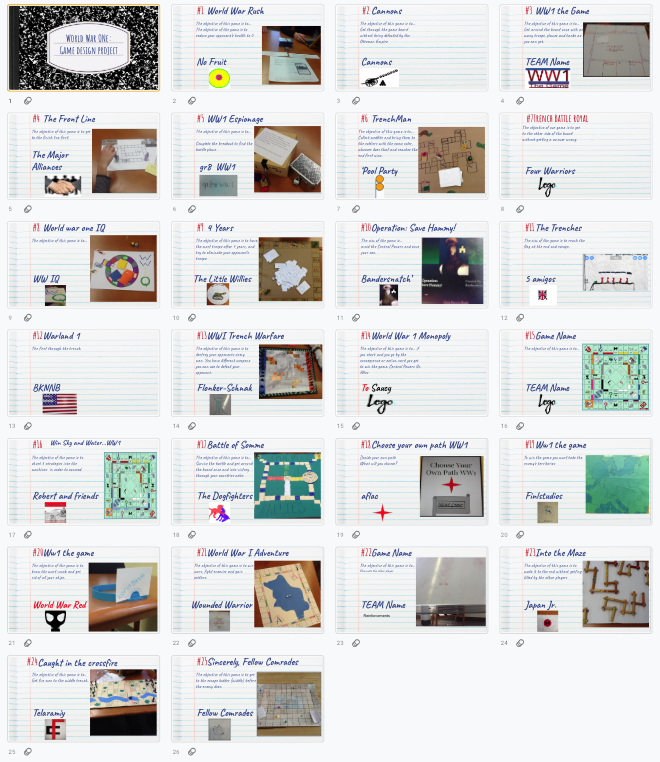
Also, check out these Choose Your Own Adventure Games created by students in this project. These slides are intentionally formatted for portrait mode viewing on a phone or tablet… to function as a web app.
- Operation Save Hammy: https://docs.google.com/presentation/d/1wosaB8ox0niNwdbOc3jcyoj60bmEUu94CBiiaRACf4w/preview?slide=id.p
- Choose Your Path WW1 https://docs.google.com/presentation/d/1IyKZRh2Tfs0ZSXS5E4NbyO7uJXRwViqVvoEiPGiJmlE/preview?slide=id.p
Student Game Videos
Insights and Reflections to inform the next time
Nearly 200 students were provided with the opportunity to play the games over several days. Students who played the games were asked to provide reviews of the overall game quality, historical quality, and gameplay experience.
After the reviews were completed, students were lead in a discussion around how to review feedback. For example, some games received over 20 comments and reviews while others only 3. The students receiving 20 comments may not have had all positive reviews, but we discussed how that many reviews meant their game design and appearance were attractive enough for people to try the game out.
Selected Student comments about the project experience
How did you decide which people you wanted in your group? Did things work out the way you wanted?
- For the most part yes, I had my friends in the group and we worked well together, and communicated good. We even talked outside of school about different ideas we all had. But because we were friends sometimes we got off task, but it didn’t take long for us to get back on track to what we were doing.
- I decided the people who would be in my group by what which person is good at like we had one person good at editing and one good at drawing, and etc. At the end it worked out well even though we had disagreements through out the project week.
- I worked with my friends but that wasn’t a good idea, we got nothing done. Things did not work out how I wanted.
What game platforms did your group discuss? How did you decide which one to go with? (game platform means boardgame, cardgame, video game, etc…)
- We discussed board game and video game, we decided to go with video game because it seemed like a unique idea to do and seemed like it would be more entertaining to people
- We decided to go with a breakout Edu because they are fun and easy to set up. Not only are they fast to set up they can also be interesting to play. We had to decide what it was going to be and it was that you had to get germanys battle plans.
- We decided to go with a game board because we thought it would be easier to make cause we based it off monopoly.
- My group only discussed board games, because we all had ideas for board games. Instead of picking one idea we merged all of our ideas.
How did prototyping help you design your game? (prototyping is when you had other groups try out your game)
- This helped us because we needed an outline and a sense of direction in order to make the final product.
- It helped us with our game by getting feedback from other people and then we could make our game better.
- By prototyping we were able to see the flaws in the game and change them so they were better.
- Protoyping helped us design the game by getting back their feedback and fixing the areas that needed improvement.
- Prototyping helped are game because they told us what they did not understand in are rules so then we had to fix them for they can understand better and enjoy playing.
- Because it showed us what we needed to improve on
How did you use Jon Spike’s Game Storm EDU website? (https://sites.google.com/view/gamestormedu)
- It helped by showing the process that we could use to make our game.
- We looked through the game types and we chose from there. It was a clear understanding of each game.
- I used this website to see what important things were needed to include in my game.
- We used Jon Spike’s game storm EDU by looking at what kind of board games we could make and the different types of games you could make so we could figure out what we wanted to do.
- We used it to get ideas for the cards, design of the board and objective of the game.
What did you learn from the most difficult part of the project?
- I learned that some ideas just cannot be accomplished and the final product will not turn out perfectly.
- The directions and setting it up so other people who have never played it before could play it easily.
- I learned that you have to have patience when working in a group. Sometimes it may be chaotic and they may be unprofessional, but to make things work, patience is key.
- You have to make sure your rules make perfect sense to other people so they play the game correctly.
- I learned that coming up with a story and brainstorming is a difficult task. I learned to bounce ideas off of other people even if you think they are bad.
- I learned from the most difficult part of the project that we can’t rely on people to get the job done on their own, we have to check in with them to make sure their job is done.
Project Insights
Putting the cart before the horse… many students have trouble approaching the project with an open mind regarding platform. They decided very early whether or not they want a board game or a video game. I do not think this is necessarily a bad thing, but it would be good for students to think about what would tell the story best rather than how to tell the story in a particular medium.
Remixing a Game: Team Icebreaker (1)
Goals
• understanding how changing game rules change the system of a game
• introduction to the iterative process
• icebreaker game design exercise
Before the exercise
Through class discussion, make a general list of the rules of Tic-Tac-Toe. For example:
1. play takes places on a 3×3 grid
2. two players alternate turns to place an X or an O in an empty square
3. three of the same symbols in a row wins
4. if no one can play, the game ends in a draw
Then discuss why Tic-Tac-Toe always ends in a draw for most players. Have the class brainstorm what they might modify in order to change the game: the grid size and shape, the number of players, the winning conditions, the things you can do on a turn, etc.
Modify!
Pairs of students try to redesign the game in order to increase the space of possibility of the game – to make it more interesting to play than the “solved problem” of classic Tic-Tac-Toe.
As they design, have them change as little as possible – one, two, or three rules at the most. They should follow the iterative process of making small changes, playing their modified version, analyzing how they affected the game, and then redesigning again.
Finally, groups can share their modifications with the class, and what did and didn’t work. If there are too many groups for everyone to share, then pairs of groups can play each others’ games and discuss.
At this point, I’ve seen my students create hundreds of variations of Tic-Tac-Toe. My favorite was an exceptionally elegant variation where nothing was changed – except the winning condition. If you got 3-in-a-row, you lost. Playing this version of Tic-Tac-Toe means trying to force your opponent to make what we normally consider a “winning move.” As a minimal rule-change that turns the “solved” game of Tic-Tac-Toe into a brain-twisting puzzle, I loved that modification.
Jon Spike recommends doing this same style activity but by remixing chess. Even if people do not know how to play chess, there could be some really imaginative remixes.
Writing Directions
A great deal of the feedback for students was about how the directions they provided were unclear.
Jon Spike says “Start with the objective. How do I win? It doesn’t matter what I can do on my turn or the abilities I have if I have no idea what I’m trying to do… Have them read board/card game manuals and discuss what they notice.”
I highly recommend running students through some directions writing exercises like:
How to make a peanut butter and jelly sandwich
- Have students write out Text only directions for making a sandwich.
- Compare and contrast the steps other people listed
- ASK: What are we assuming about the sandwich maker? Perhaps that they have made one before? This is not always a safe assumption.
- Next: Have students draw Images only directions for the same process.
- Again they should compare with others and discuss assumptions
We hope these two activities will help our students write clearer directions to maximize user engagement.
Resources Cited
- “Gamasutra: Eric Zimmerman’s Blog – How I Teach Game Design ….” https://www.gamasutra.com/blogs/EricZimmerman/20131019/202710/How_I_Teach_Game_Design_Lesson_1_The_Game_Design_Process.php. Accessed 19 Dec. 2018.